Smart access
Access starts at arrival and ends at checkout
Connect your compatible locks and the system issues the guest a code or card with a time window. A command only counts as done after the device itself confirms it.
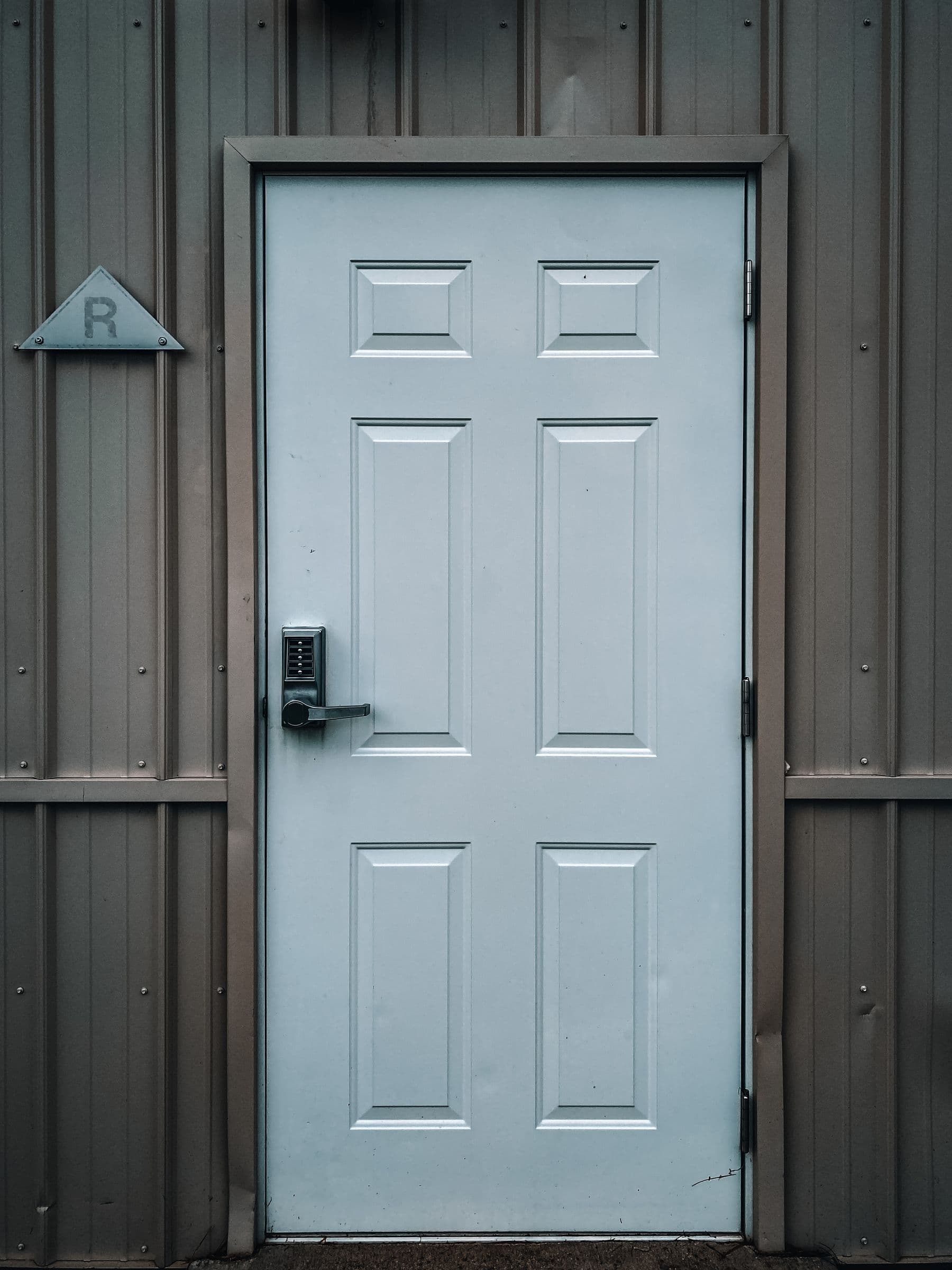
The type of access depends on your lock
Every vendor has different capabilities and so does every model. The platform only offers the guest what your lock can do.
Temporary PIN
A code that works from check-in time to check-out time.
Mobile key
A digital key on the guest's phone when the lock offers one.
RFID card
A card encoded at the front desk and revoked at checkout.
QR
A short-lived code or a vendor credential, depending on the reader.
We never tell a guest the door opened unless it did
Every device command has a state. Front desk sees the real state and the guest only sees the door code after confirmation.
Device command states
pending
Pending
The command exists but has not been sent.
submitted
Sent
The vendor server accepted the request.
acknowledged
Received
The vendor queued the command for the device.
confirmed
Confirmed
The device or vendor confirmed it. Only now does it show as done.
failed
Failed
The vendor returned an error. Front desk gets an alert.
unknown
Unknown
No confirmation in time. The system rechecks and alerts the team.
Some locks work offline. Revoking a code on an offline lock may only take effect once the lock syncs. Until then the state stays unconfirmed and the team gets an alert with fallback steps, such as changing the code at the device.
Three fixed rules for access
- 1
A QR code carries no personal data
No name, ID number or phone number. Either a vendor credential or a short-lived signed token. Sensitive doors never accept a static code.
- 2
Leaving the building is not checking out
Scanning at an exit door does not end the stay. A checkout QR only opens a confirmation screen. Final checkout needs confirmation from the guest or front desk.
- 3
Exit is always safe
The system never controls the exit side of a door. Expired access or a lost connection never traps anyone. Releasing locks on fire alarm is the installer's job and a condition for connecting any lock.
Every code has one purpose
Code types are separate in the system. A service code never opens a door and a check-in code never checks anyone out.
- Check-in
- Opens the guest's reservation on the self check-in screen.
- Reservation check
- Proves a reservation exists without showing its details.
- Service
- Opens a service request such as laundry.
- Access
- Opens a door or gate within the guest's permission and time.
- Checkout intent
- Opens the checkout confirmation screen only.
Lockers tied to the bed
Each locker can be tied to a bed or a guest. It is assigned at check-in and released at checkout.
- Guests see only their own locker in the portal
- Assign, change and release from the console
- An opening log per locker when it is connected to a device
- A direct fault report opens a maintenance order
- Works with plain mechanical lockers with no connection at all
See Hostelivo on a ready hostel
Properties with rooms, beds and bookings already in. Open one and walk through a day from booking to cleaning.